
Find a reported freight entrance
Look up a location someone else has reported, even before your first visit. See community feedback to help assess the report. Coverage varies by building.
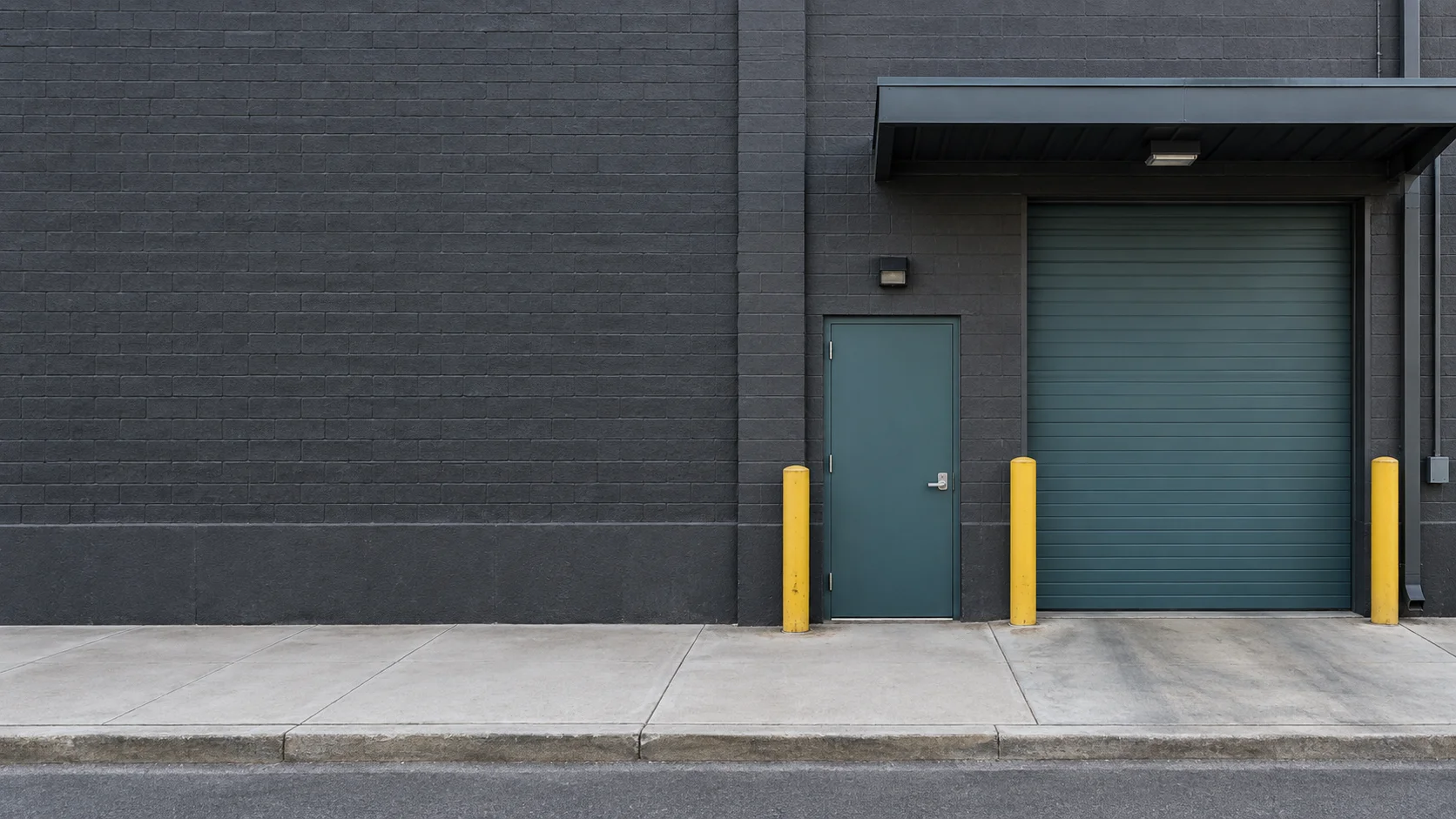
Freight entrances, shared by the people who use them
Find the freight entrance.
Before your first visit.
Find freight entrances reported by other people—even at buildings you’ve never visited. Submit the ones you know, vote on reports, and keep your own freight entrance pins and private notes for next time.
Available for Android in the U.S. · iPhone version awaiting App Store review
Find it. Share it. Remember it.
For anyone whose work takes them to a building’s freight entrance and who wants help finding it or remembering it next time.
Look up a location someone else has reported, even before your first visit. See community feedback to help assess the report. Coverage varies by building.
Share a freight entrance you know. Confirm a correct report, mark one wrong or suggest a correction so the next person benefits.
Save the entrance you use and the private details you want to remember. Useful from your first saved entrance, even where nobody has contributed yet.
Saved information is available offline. New searches and live community updates need internet; map tiles may not be available offline.
A look inside
Search for a building, see its reported freight entrance and community feedback, then save your own entrance and notes for next time.
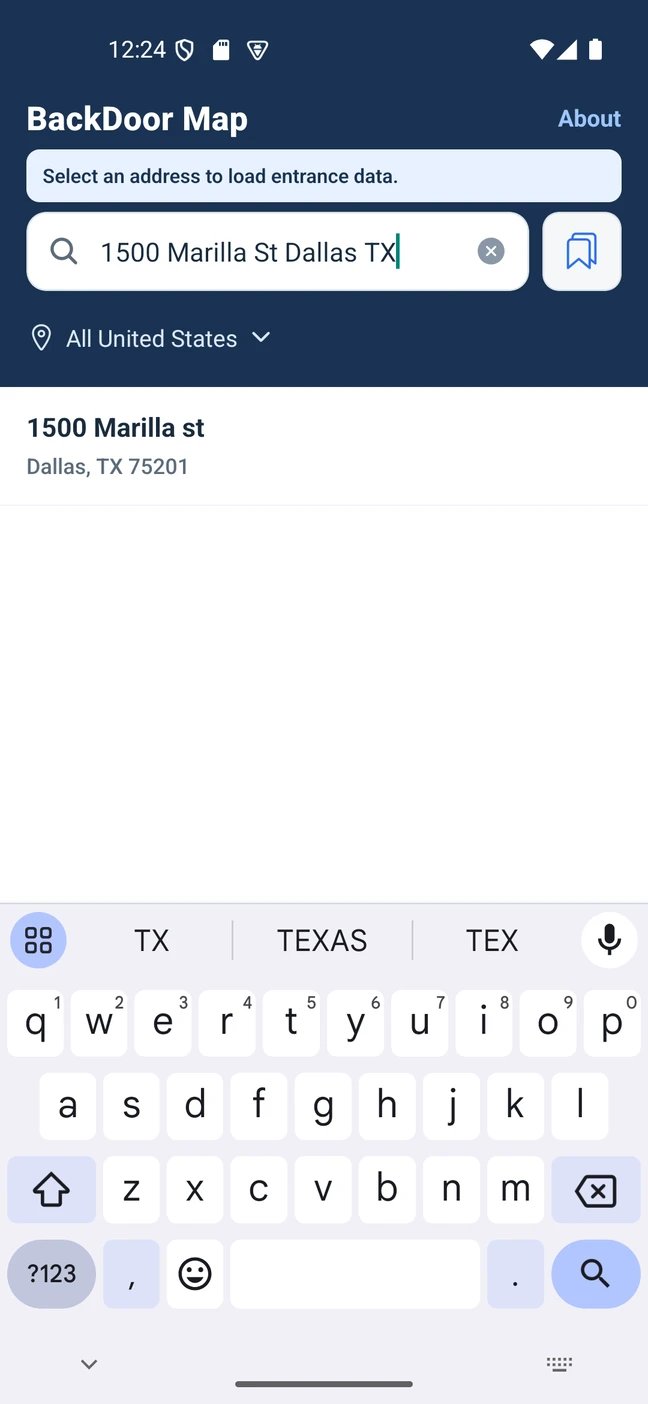
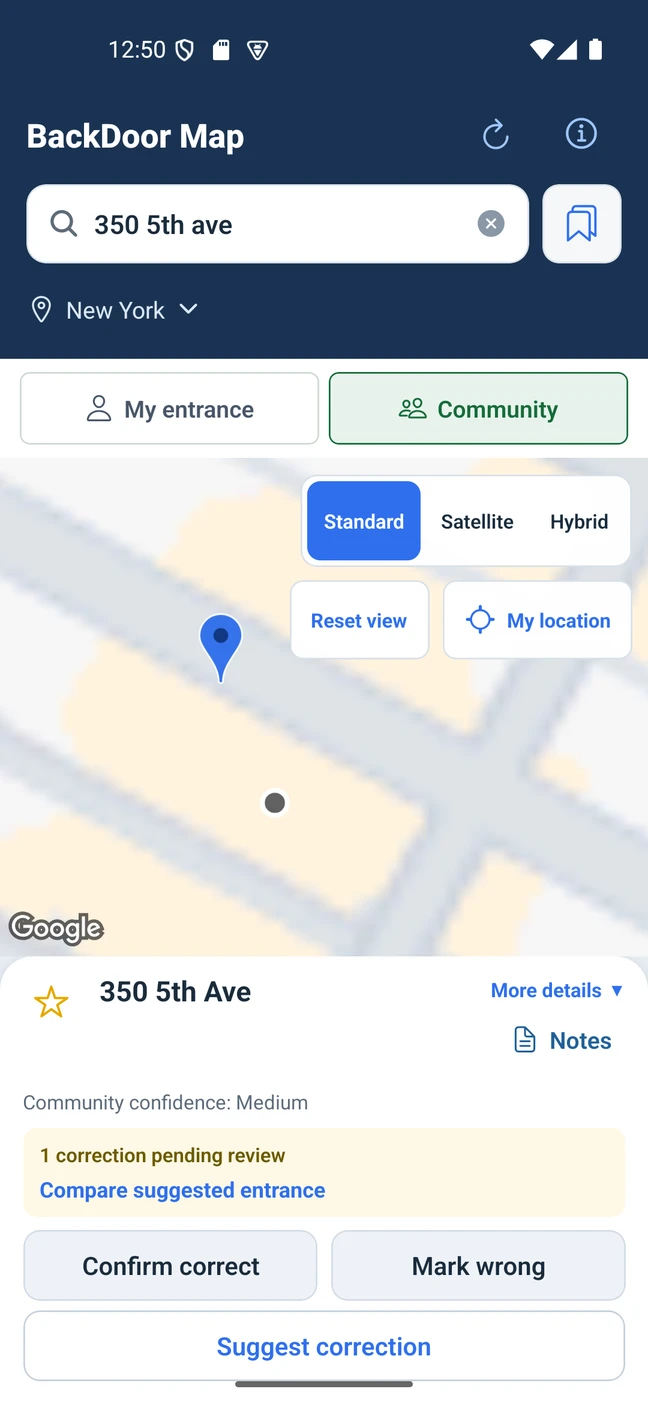
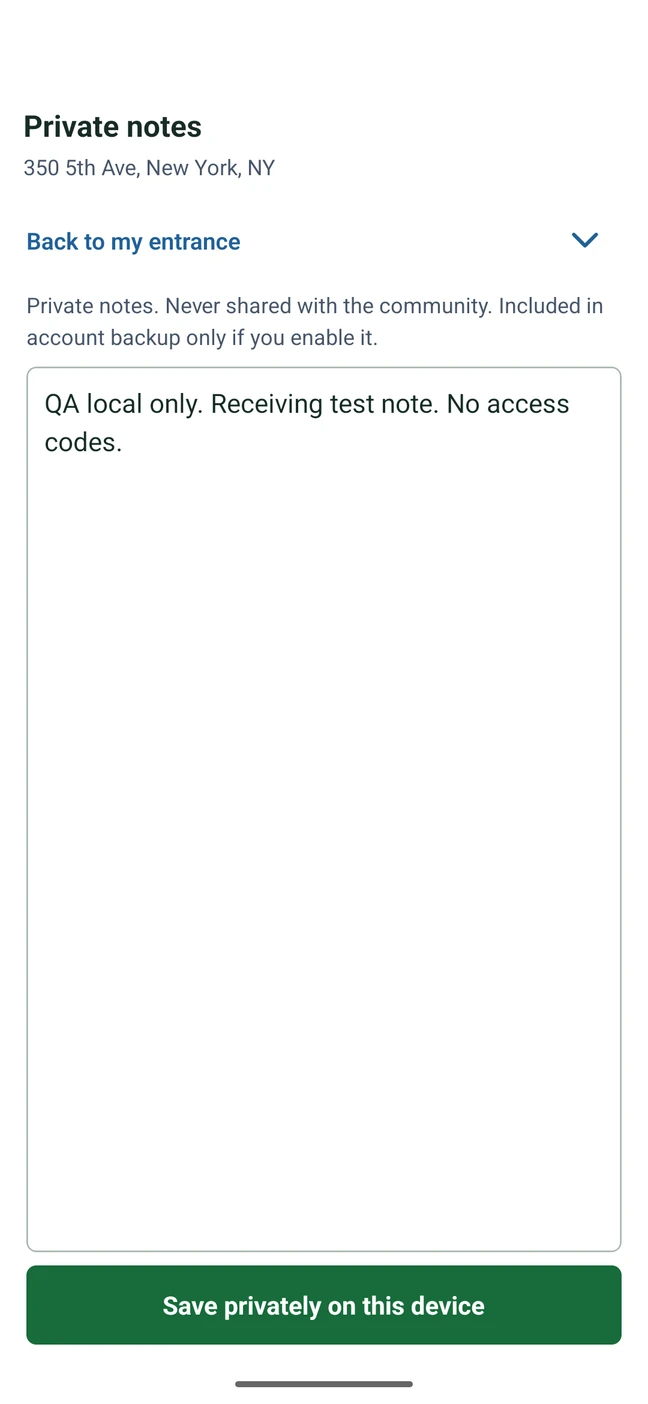
Actual Android development previews with test content. Final store release screens may differ.
Someone else’s knowledge. Your first visit.
A reported freight entrance can help someone who has never been to that building. Submit the entrances you know and vote on reports to help improve the shared map.
Your own freight entrance pin stays independent of the community pin, and your private notes are not published through contributions. You can start saving useful information even where no community report exists.
Community reports can be incomplete or outdated. Follow posted signs and current building access instructions.
Read the community standardsBefore you get started
Yes, when someone has reported its freight entrance. Look up the community location and its feedback before you arrive. Coverage varies by building; an address marker alone is not a reported freight entrance. Follow current building access instructions.
Submit a freight entrance you know so other people can find it. Confirm a correct report, mark one wrong or suggest a correction. Votes help people assess the report; they do not guarantee accuracy or permission to enter.
Save your own freight entrance pin and private notes for next time. Those are useful immediately, even without community coverage. Share the entrance when you choose to help the next person; your private notes are not public contributions.
Previously saved places, private pins, notes and last saved community entrance information remain available on your device. New address searches, fresh community information and contributions need a connection. Offline map tiles are not guaranteed.
Yes. Your personal entrance is independent of community consensus. Switch between My entrance and Community, and choose separately whether to contribute a pin or proposed correction. Your private notes are not public submissions.
Local-only information can be lost with the device or an uninstall. Optional account backup is available: enable it explicitly and check for a confirmed backup time before relying on recovery. An encrypted manual export also needs its separate recovery key.
The Android app supports address search across the United States. Narrow the search by state, then include the city or ZIP when an address is ambiguous. Provider results and community coverage vary by location.
Not in the first personal-use release. Company accounts and shared workspaces are future plans. Personal notes and backup accounts are not shared with employers or coworkers.
Available on Google Play
The Android app is available in the United States. The iPhone version is awaiting App Store review; its release date has not been announced.
$4.99 U.S. one-time price
One-time purchase for the personal-use Android app. Check Google Play for final availability and pricing. No subscription or unlimited cloud-storage promise.
Get it on Google Play